Every site and app as a tile
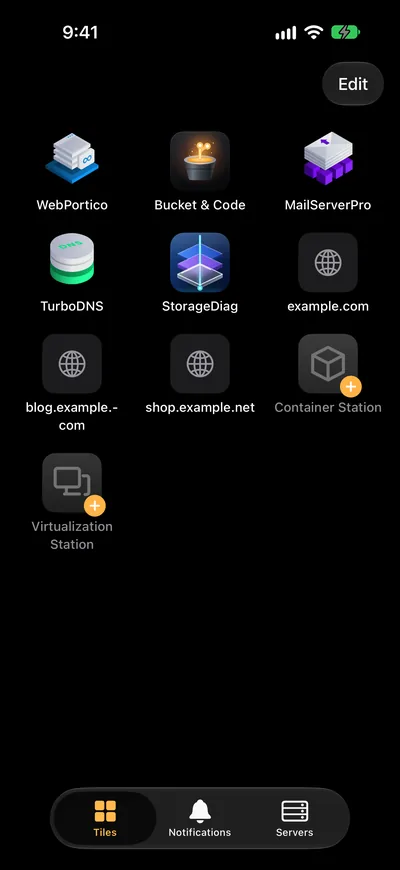
One grid holds the tiles of every WebPortico you paired: its panel, its sites and the NAS's apps.
WebPortico›iPhone
 RePortico
您可在 iPhone 上以方塊查看 NAS 上由 WebPortico 提供的網站,以及 NAS 的 App。點一下即可開啟網站或 App。
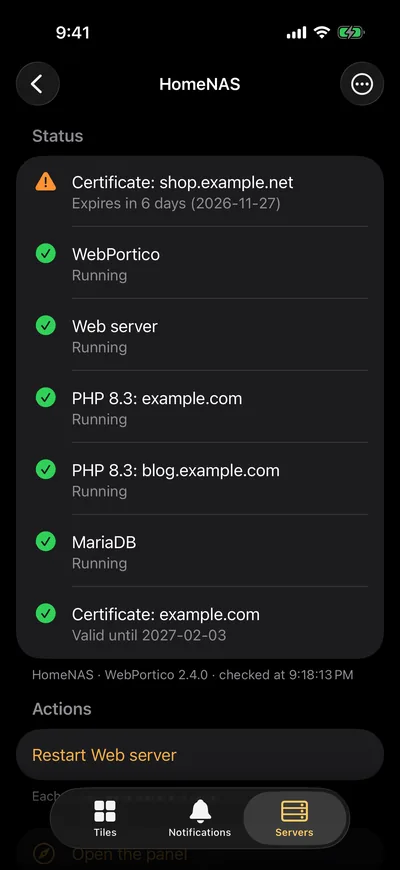
One grid holds the tiles of every WebPortico you paired: its panel, its sites and the NAS's apps.
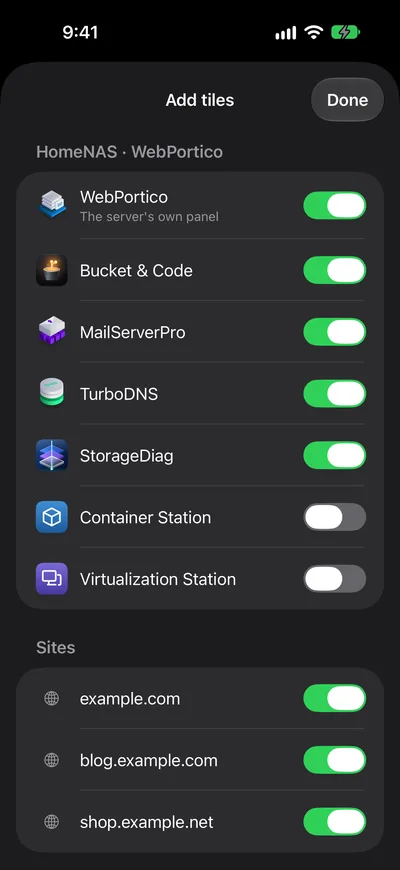
“Edit” moves tiles and takes them off the screen. Its plus lists each server's sites and apps with a switch for each.
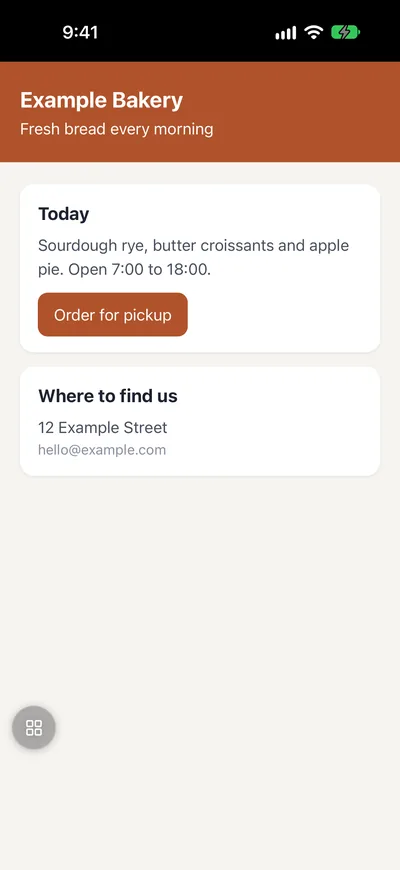
The site opens through WebPortico's phone port. The round button goes back to the tiles.
請在連上您家中網路的電腦上,以 WebPortico 面板自己的網址開啟面板,然後前往:
頁面會顯示 QR 碼。這組碼只可使用一次,有效時間為 10 分鐘。
將手機連到與 NAS 相同的網路。在 App 中點選「Add server」,再點選「Scan the QR code」。
也可手動輸入位址和配對碼. QR 碼下方會顯示位址、配對碼和憑證指紋。請在 App 中輸入位址和配對碼。只有在 App 顯示的指紋相符時,才進行配對。
在「手機 App」頁面的「遠端存取」區段中,開啟「允許從家用網路外部連線」。在您的路由器上設定頁面指定的 TCP 連接埠轉送。App 就能透過該連接埠連線。這個連接埠只回應已配對的手機。
RePortico for iPhone: privacy (英文與波蘭文)
RePortico 是 Silas, Mariusz Grzybacz 的免費軟體。這是獨立專案,並非由 QNAP 或 Apple 製作或認可;QNAP 是 QNAP Systems, Inc. 的商標。
Apple、Apple 標誌、iPhone 與 App Store 是 Apple Inc. 在美國及其他國家註冊的商標。本站選單中的彩虹 Apple 標誌來自 Wikimedia Commons 的 Apple_Computer_Logo_rainbow.svg 檔案;該站因其設計簡單而將它標示為公有領域。標誌仍是 Apple Inc. 的商標。