Your QNAP needs no Entware
Packages compiled from Bucket & Code's recipes: current software for QTS and QuTS hero, installed from App Center.
Entware and Optware add a second package manager to the NAS, and it downloads programs from a feed of its own. Our packages work differently: Bucket & Code compiles each program from its source, tests it and packs it as a QPKG. App Center installs and updates the package like any other app.
TurboShell, TurboStat and TurboX contain the commands that people installed Entware for. For other programs, the same recipes build a package of your own.
{
  "name": "rsync",
  "version": "latest",
  "category": "network",
  "license": "GPL-3.0-or-later",
  "source": {
    "url": "https://github.com/RsyncProject/rsync/releases/download/v{version}/rsync-{version}.tar.gz"
  },
  "watch": {
    "type": "github-release",
    "repo": "RsyncProject/rsync"
  },
  "deps": ["openssl", "zstd", "lz4", "xxhash", "zlib"],
  "static": true,
  "check": "bin/rsync --version | first && bin/rsync --version | has xxh128 && …"
}latest as the version and {version} in the address. Each build downloads the newest release and then runs the recipe's test.Find your command
Type a command you used from Entware. Its row names the package that contains it and what you get.
Where you type the name decides which copy runs:
- An SSH login. Sign in over SSH as admin or another administrator: the 16 commands of the first group run our copy. A command that only our packages have runs by name too.
- A shell you type into. A shell you start from that login,
sudoandsudo -ikeep the same order. If QTS has a program of the same name outside the first group, QTS's copy runs, and ours is in/usr/app/<package>/bin. - Cron, QTS's own scripts and a command sent over ssh. A name typed there finds QTS's commands only. Give ours by its full path:
/usr/app/TurboShell/bin/rsync.
Our copy runs when you type the name
In our packages
QTS's copy runs; type the full path for ours
Only as a recipe in Bucket & Code
From recipe to App Center
Every package goes through the same five steps. If a recipe fails its audit or its check, the build stops and nothing is packed.
Recipe
The recipe names a source address over https, the recipes it depends on, and a test. Give a version number or latest; the App Builder records each download and rejects a file that changes under the same version.
a version or latestBuilder
An Ubuntu 24.04 environment on the NAS compiles the recipe into the app's folder. Its glibc 2.39 is the lowest that QTS 6.0 and QuTS hero 6.0 ship, so the programs run on both.
glibc 2.39Audit
The App Builder checks every program and library it built. A program can load only glibc and the libraries of its own recipe or of the recipes it depends on; an undeclared library stops the build.
ELF rulesCheck
The recipe's own test runs in a clean environment: rsync copies a file, a server answers on a free port, a full-screen program draws its screen.
a test per recipeQPKG
Export as QPKG packs the app with its licences. App Center installs it, links it at /usr/app/<name> and adds one line to the login profile.
App Center
Three packages
Each package is an App Builder app, built from a recipe list that you can read and change.
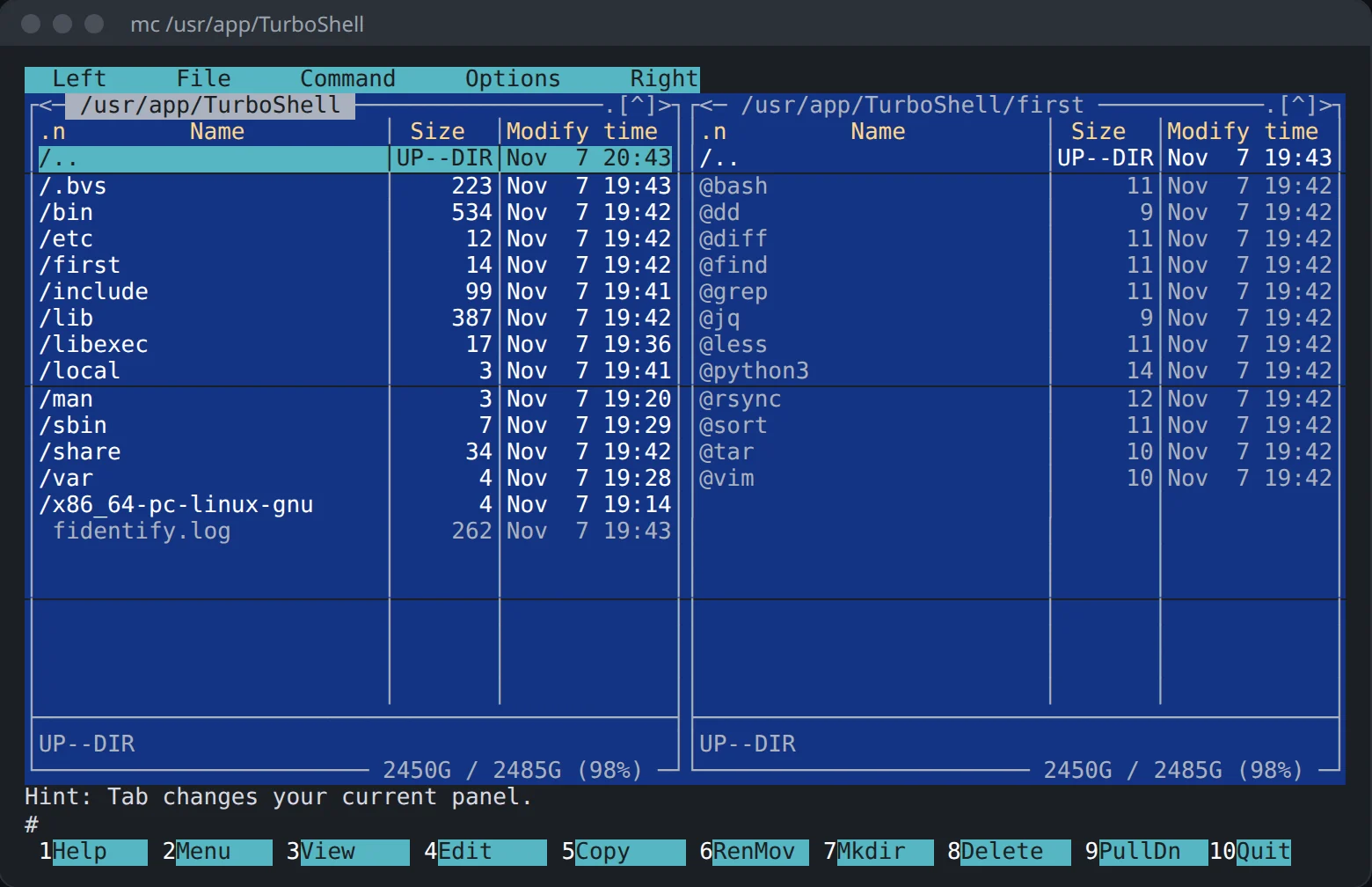
 TurboShell79 recipesShells, the GNU tools, 16 archivers and compressors, tmux, Midnight Commander, editors, git, Perl, Python and Free Pascal.
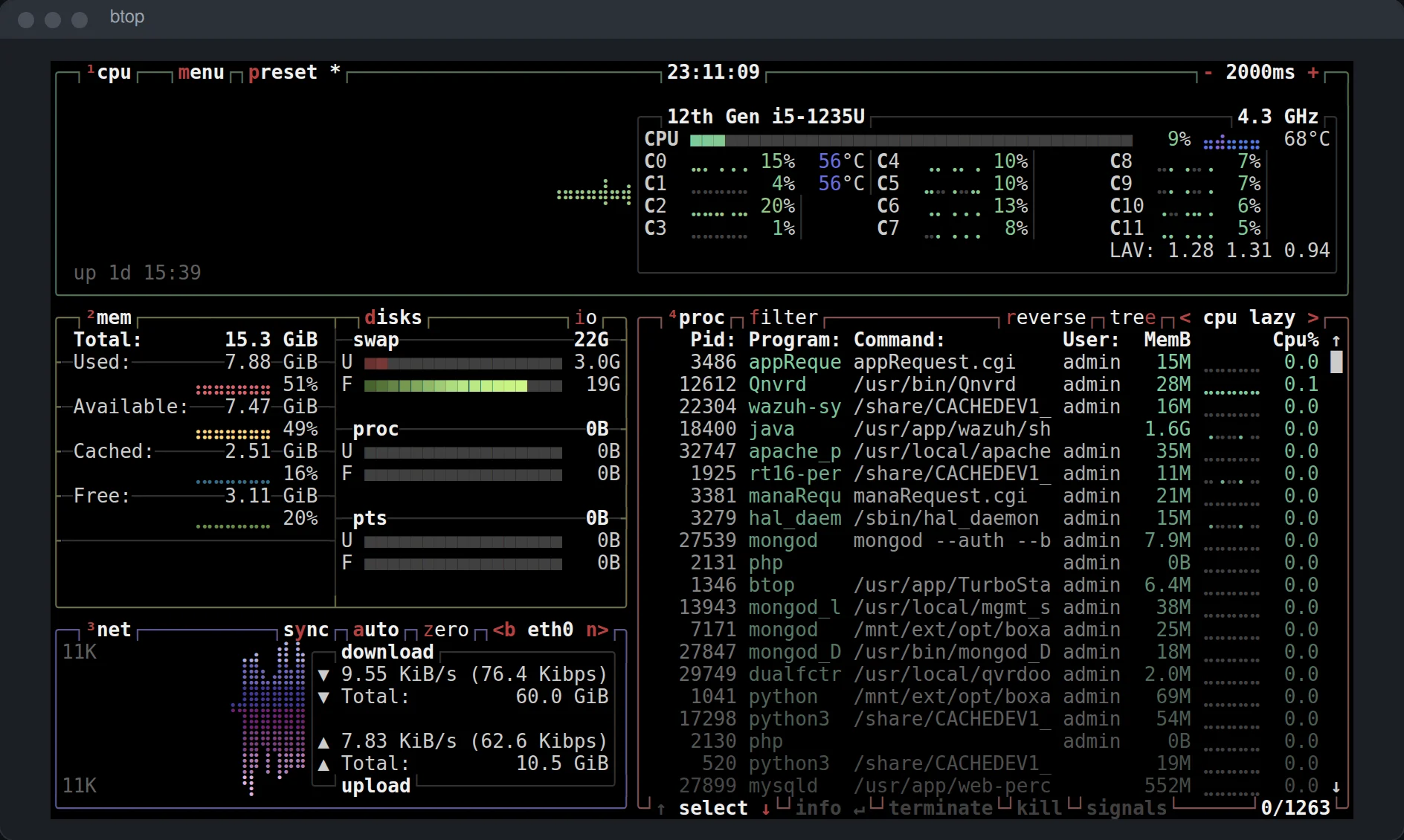
 TurboStat43 recipesWhat the NAS is doing: htop, btop, atop, glances, iotop, iftop, nethogs, vnstat, mtr, tcpdump, iperf3, nmap, smartctl and sensors.
 TurboX10 recipesIRC on the NAS: irssi and BitchX, the Eggdrop bot, the UnrealIRCd server with Anope services, the ZNC bouncer and Pure-FTPd.
Which copy runs
QTS and QuTS hero, like most embedded systems, have their own reduced versions of many commands, most of them from BusyBox. QTS's own scripts call these commands by name. Our packages leave them unchanged, so QTS's scripts work as before.
When you sign in over SSH, your shell runs our copies of 16 commands first: TurboShell's rsync, bash, tar, jq, python3, vim, less, grep, find, sort, dd and diff, and TurboStat's hdparm, iostat, lspci and free. They accept options that QTS's copies do not accept: rsync --info=progress2 on QuTS hero 6.0, tar --zstd, sort -h, hdparm -I.
It works the same for admin and for every other administrator, with nothing to type or load. QTS lets another administrator sign in over SSH only if Control Panel › Network & File Services › Telnet / SSH › Edit Access Permission lists the account. sudo keeps the same order: sudo hdparm -I /dev/sda runs TurboStat's hdparm, and sudo -i opens admin's shell with the same commands.
A script you start from your SSH login finds the same commands as your shell. Its first line decides which bash runs it. With #!/bin/bash it runs in QTS's bash, which has no associative arrays, mapfile or globstar. To run it in TurboShell's bash, start it with #!/usr/app/TurboShell/bin/bash.
Cron, QTS's own scripts and a command sent directly over ssh use QTS's commands. To use our rsync from another computer, give its full path:
rsync --rsync-path=/usr/app/TurboShell/bin/rsync ...
To put a whole package first in the shell you are in:
export PATH=/usr/app/TurboStat/bin:/usr/app/TurboStat/sbin:$PATH
command -v rsync
/usr/app/TurboShell/first/rsync
rsync --version | head -1
rsync version 3.5.1 protocol version 33
tar --version | head -1
tar (GNU tar) 1.35
Build your own package
Bucket & Code ships the recipe lists of the three packages as Editor projects, and its App Builder library contains 561 recipes. Pick the ones you need, build them on your NAS and export a QPKG.
- 229 libraries
- 161 tools
- 72 network
- 34 servers
- 28 core
- 19 languages
- 9 editors
- 9 shells
- Install Bucket & Code Server IDE from App Center.
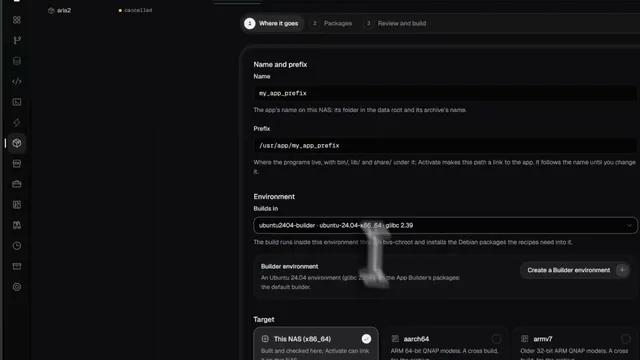
- In the App Builder make a new app, pick its recipes and press Build. The first build compiles every recipe; a later one rebuilds only the recipes whose sources or build scripts changed.
- Export makes a QPKG once the QDK toolchain is installed. Install the file, or offer it from an App Center repository of your own.
 See it done in Bucket & Code
Compile Any App You Need Without Linux Skills: Build QPKG & Deploy Easily (Freeware)
8 min on YouTube
Limits
- The three packages are built for Intel and AMD processors (x86_64) and need QTS 6.0 or QuTS hero 6.0 or newer.
- No opkg and no package feed run on the NAS. If a program is missing, it comes with a new package version, or you add a recipe line and build a package of your own.
- A command sent directly over ssh reads no login profile, so it gets QTS's copy. Give our program's full path.
- Installing a package downloads one QPKG file from our App Center repository and nothing else.