 TurboShell
: a full command line on your QNAP
Shells, archivers, editors and languages, one App Center install away.
TurboShell adds 79 recipes of command-line tools to an SSH login on the NAS. Among them are zsh, fish, tmux, Midnight Commander, 7-Zip, Perl, Python and Free Pascal.
Bucket & Code Server IDE compiles every program from source. Install the package as it is, or change its recipe list and build your own.
command -v rsync
/usr/app/TurboShell/first/rsync
rsync --version | head -1
rsync version 3.5.1 protocol version 33
tar --version | head -1
tar (GNU tar) 1.35
git --version
git version 2.55.0
python3 --version
Python 3.14.7
tmux -V
tmux 3.7c
What is inside
The recipe list names these programs, and the build adds the libraries they need. The archivers and compressors alone make 16 recipes.
Shells
- bash
- the GNU Bourne-Again Shell
- zsh
- the Z shell, with its modules
- fish
- the friendly interactive shell
- mksh
- the MirBSD Korn shell
- ksh
- ksh 93u+m, the AT&T Korn shell
- bash-completion
- tab completion for bash
GNU tools
- coreutils
- ls, cp, sort, sha256sum and the rest
- binutils
- as, ld, objdump, readelf, nm, strip
- findutils
- find, xargs, locate
- diffutils
- diff, diff3, sdiff, cmp
- grep
- with -P for Perl patterns
- sed
- the stream editor
- gawk
- GNU awk
- bc
- bc and dc, calculators of any precision
- less
- the pager
- file
- names a file's type
- tree
- folders as a tree
- util-linux
- lsblk, lscpu, findmnt, blkid, column, flock, script, whereis, rev
- make
- GNU make
- patch
- GNU patch
- man
- mandoc: reads the manual pages of the package
Archivers and compressors
- tar
- GNU tar
- gzip
- GNU gzip
- bzip2
- block-sorting compressor
- xz
- LZMA2, with xzcat and unxz
- zstd
- Zstandard
- lz4
- fast LZ4 compression
- lzip
- LZMA with an integrity-checked format
- lzop
- fast LZO compression
- pigz
- gzip on all processor cores
- brotli
- the Brotli compressor
- 7zz
- every 7-Zip format, also as 7z and 7za
- bsdtar
- libarchive: tar, zip, 7z, rar, cab and iso, with bsdcpio and bsdunzip
- unrar-free
- RAR through libarchive
- unrar
- RARLAB's UnRAR, every RAR format
- cpio
- GNU cpio
- cabextract
- Microsoft .cab files
Network, remote work and version control
- curl
- URL transfers with TLS
- wget
- GNU wget
- rsync
- file synchronisation
- lftp
- FTP, FTPS, SFTP and HTTP client with mirroring and queues
- socat
- relays bytes between files, pipes, sockets and TLS
- whois
- asks about a domain, an IP address or an AS number
- openssh
- ssh, scp, sftp, ssh-keygen, ssh-copy-id, ssh-agent
- sshpass
- types a password into ssh for scripts
- autossh
- restarts ssh when a connection or tunnel stops
- sshfs
- mounts a folder of another computer over SSH
- mosh
- a terminal session over UDP that stays open when the network drops
- git
- version control
Scripts and files
- jq
- processes JSON on the command line
- dos2unix
- converts line breaks and UTF-16 text files
- rename
- renames files with a Perl expression
- parallel
- GNU parallel: runs shell jobs in parallel
- dialog
- text-mode dialog boxes for scripts
- par2
- makes PAR2 recovery files and repairs with them
- fzf
- interactive fuzzy finder for files and history
- rg
- ripgrep: searches folders for a regular expression
- fd
- finds files by name
- micro
- terminal editor with the usual keys
- restic
- encrypted, deduplicated backups
Recovery and hardware report
- ddrescue
- copies a failing disk and maps the bad areas
- testdisk
- TestDisk and PhotoRec: find lost partitions, recover deleted files
- inxi
- hardware and system summary in one command
Terminal, files and editors
- tmux
- panes and sessions that outlive the connection
- screen
- GNU Screen
- screens
- a menu of your screen sessions: the arrow keys and Enter resume one
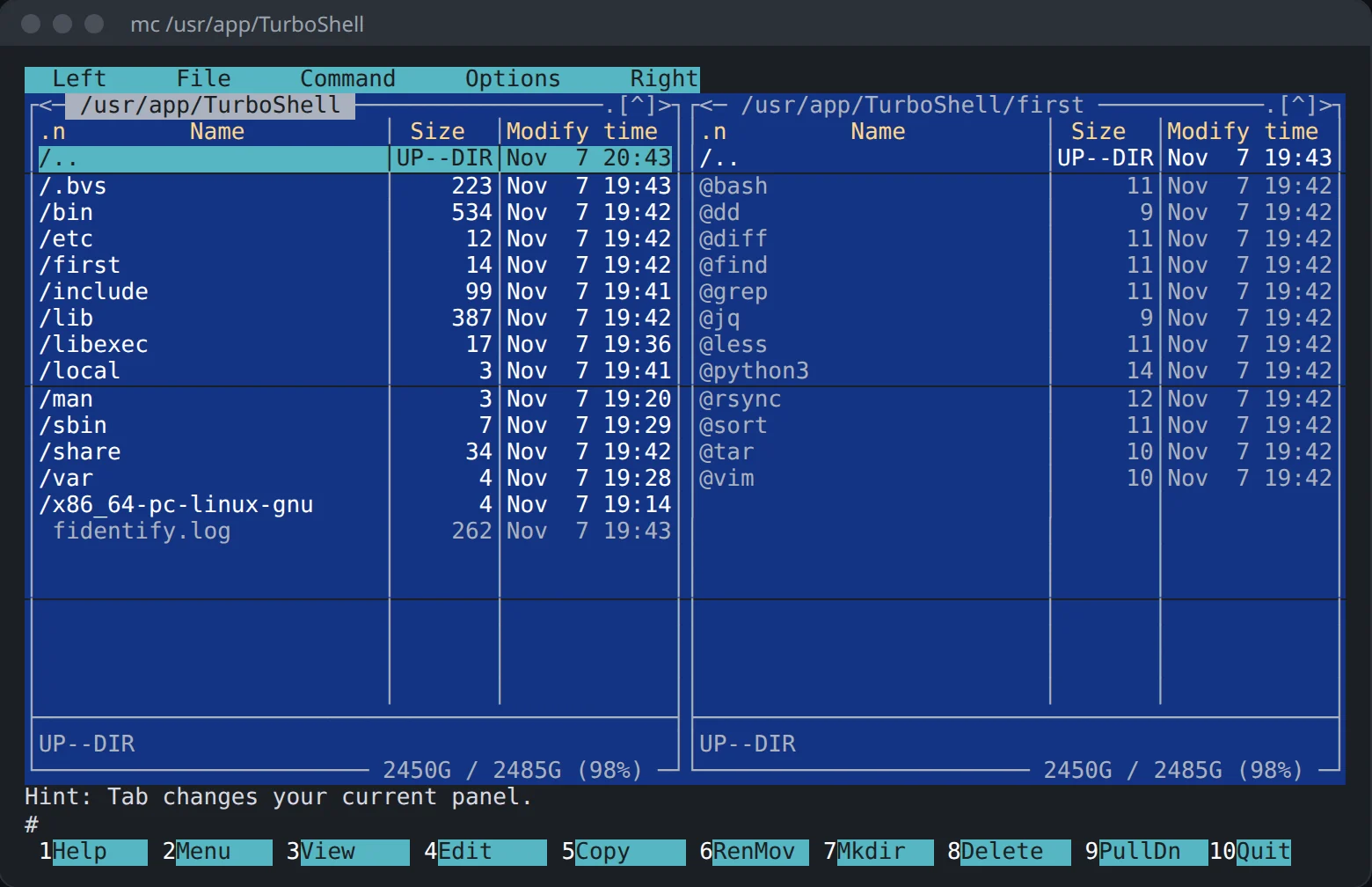
- mc
- Midnight Commander, with mcedit and mcview
- nano
- the GNU editor
- vim
- with xxd for hex dumps
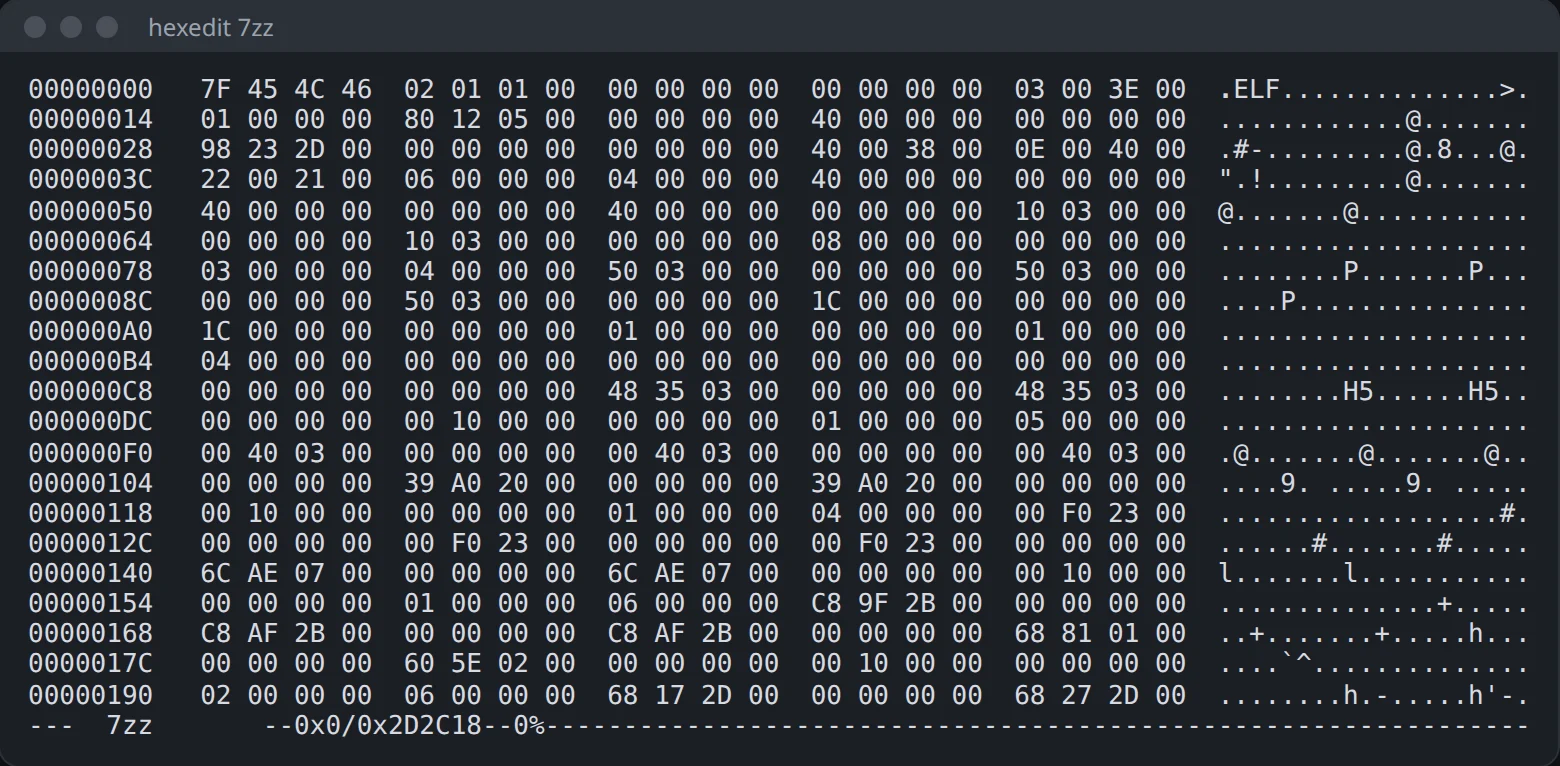
- hexedit
- hex and ASCII side by side
- bvi
- binary editing with vi commands, and bmore
- Nerd Font
- DejaVu Sans Mono with Powerline and icon glyphs
Languages
- perl
- with its core modules
- python3
- with pip and the standard library
- lua
- with its compiler luac
- fpc
- Free Pascal, with its run-time library and packages
- bwbasic
- Bywater BASIC
- yabasic
- yet another BASIC
Who it helps
You work on the NAS over SSH
Pick zsh or fish as your shell, and run long jobs in tmux, where they continue if the connection drops.
You sort and unpack files by hand
Midnight Commander gives you two panels in the terminal. 7zz, unrar and bsdtar unpack 7z, RAR, ISO and CAB files.
You write small scripts and programs
Perl, Python 3, Lua, Free Pascal and two BASICs run on the NAS itself, each by its name.
Install it
- Add this site's repository to App Center once: the three steps.
- In the repository's list find TurboShell and press Install.
- Turn on SSH in Control Panel › Network & File Services › Telnet / SSH.
Good to know
- In a shell you type into, the package's rsync, bash, tar, jq, python3, vim, less, grep, find, sort, dd and diff run before QTS's copies. QTS's copies do not accept everyday options such as
tar --zstd,sort -handgrep -P. - For other names, such as sed, awk, curl, ssh and screen, QTS's copy runs. Run the package's copy by its full path:
/usr/app/TurboShell/bin/sed. - Another administrator gets the same commands at sign-in, and
sudokeeps them:sudo rsyncruns TurboShell's rsync. QTS lets that account in over SSH when Control Panel › Network & File Services › Telnet / SSH › Edit Access Permission lists it. - Cron, QTS's own scripts and a command sent directly over ssh use QTS's commands. From another computer, give the program's full path:
rsync --rsync-path=/usr/app/TurboShell/bin/rsync. - A script you start from your SSH login finds the same commands as your shell. Its first line decides the bash:
#!/bin/bashruns QTS's bash, which has no associative arrays,mapfileorglobstar. For TurboShell's bash, start the script with#!/usr/app/TurboShell/bin/bash. - On a QNAP NAS
ncis QNAP's Notification Center tool. Usesocat, orncatfrom TurboStat. - UnRAR is freeware, not open source. Its licence lets you use it and pass it on, but not use its code to make a RAR-compatible archiver.
screenslists your screen sessions with their process ID, start time and state, and Enter resumes the chosen one. If it is attached on another terminal, screens asks whether to detach it there (screen -d -r) or show it on both terminals (screen -x).moshkeeps your terminal session open when the network drops, the computer sleeps or its address changes. Install mosh on the computer you connect from and type:mosh --server='LC_ALL=en_US.UTF-8 /usr/app/TurboShell/bin/mosh-server' admin@192.0.2.10. The--serverpart gives mosh-server's full path and the UTF-8 locale QTS has. The session runs over one UDP port from 60000 to 61000. If QuFirewall is on, allow that range. When you connect from outside your network, the router forwards that range and the SSH port to the NAS.
Change it and build it again
TurboShell is built from recipes in Bucket & Code Server IDE, our free development environment for QNAP. It compiles each program from source on your own NAS and packs the result as a QPKG. You need no Entware or Optware for these tools.
From the panel
- In Bucket & Code open Apps, then the Examples tab. Add Ubuntu 24.04 builder (full) if you have no builder environment yet.
- Press Use this example on TurboShell (geek set 1). The app appears with its recipes, and nothing is built yet.
- Press Build, then Activate. Export makes a QPKG once a QDK toolchain is installed.
From a terminal
The Editor project TurboShell contains the same list in recipes.txt. Take a line out or add a recipe from the library, then run this in the Editor's terminal:
make app        # makes the app from recipes.txt
make build      # builds it and follows the job
make activate   # /usr/app/TurboShell now points to the build
make qpkg       # exports a QPKG (needs a QDK toolchain)
The first build compiles every recipe with its libraries, so it takes the longest. A later make build rebuilds only the recipes whose sources or build scripts changed. The project also has a Powerline-style tmux status line: make dotfiles copies it to your home folder, and make font copies the Nerd Font for your computer.
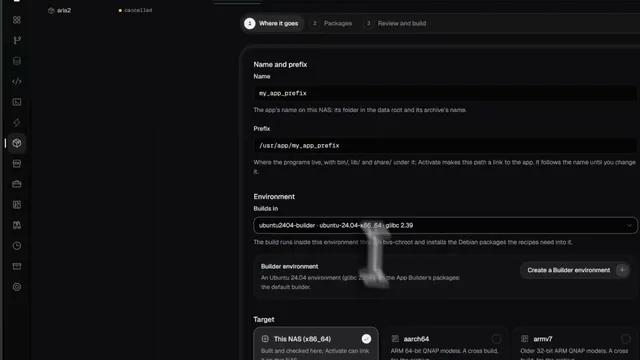 See it done in Bucket & Code
Compile Any App You Need Without Linux Skills: Build QPKG & Deploy Easily (Freeware)
8 min on YouTube