Rtorrent 16›iPhone
 Rtorrent 16
 for iPhone
The companion app for the Rtorrent 16 package on your QNAP NAS. Open its panel on your iPhone, send .torrent files and magnet links, and receive notifications from your NAS.
What the app does
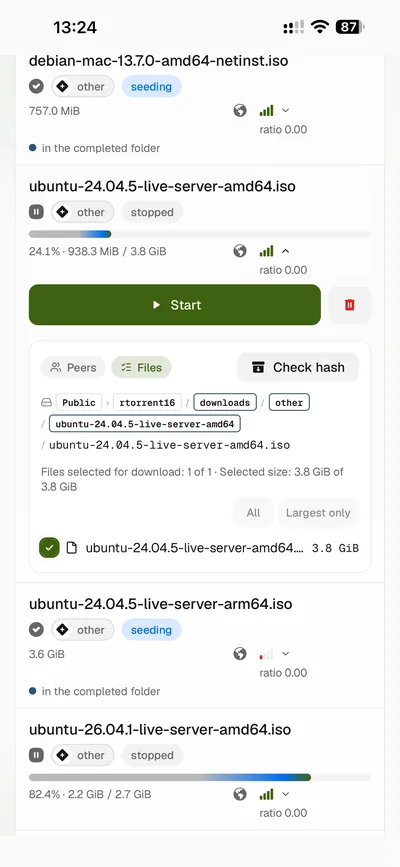
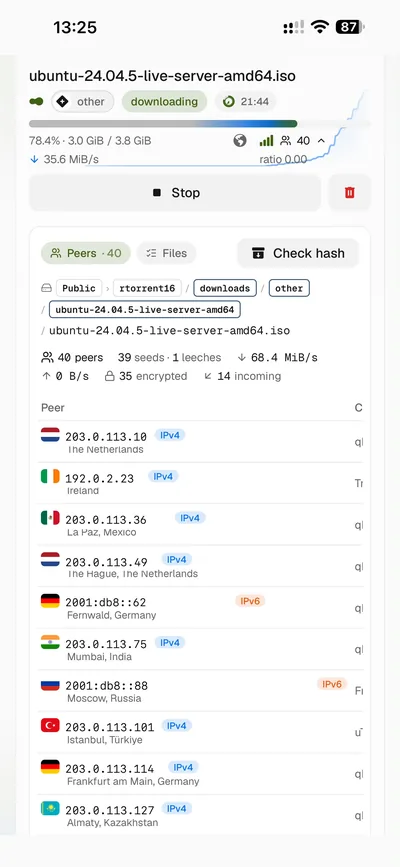
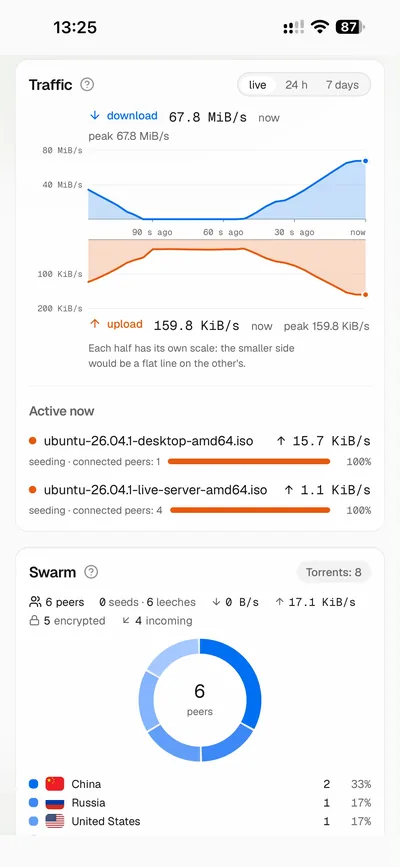
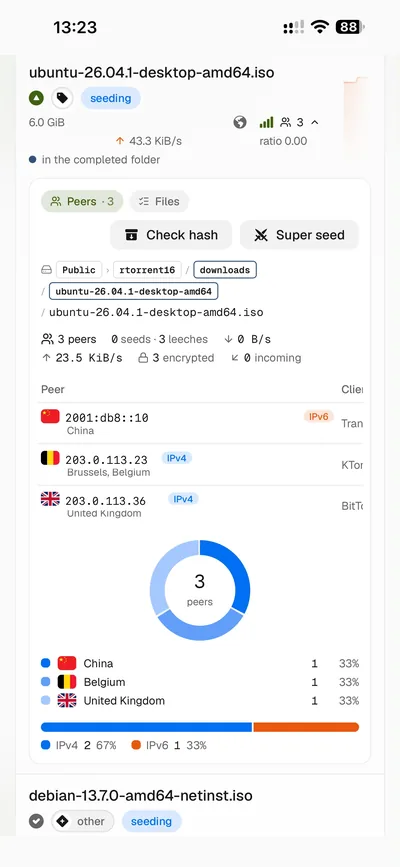
Rtorrent 16 for iPhone is a client app for the Rtorrent 16 package on a QNAP NAS. It opens your NAS's Rtorrent 16 panel on your iPhone. On the first screen, “Look around without a NAS” opens the panel with sample torrents.
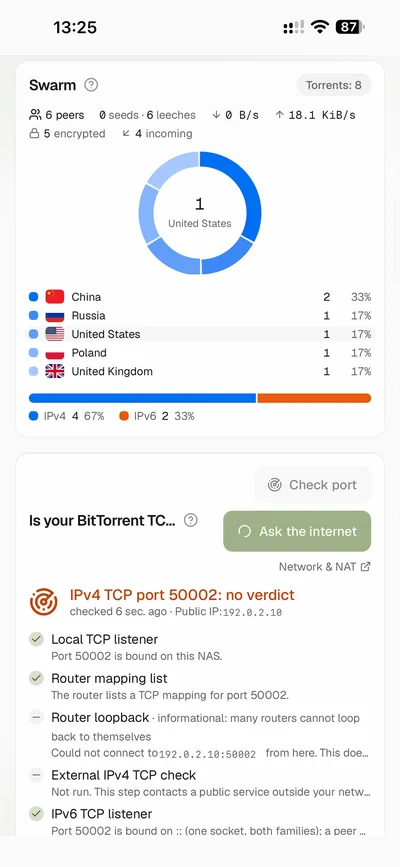
Swarm and port check
Where the swarm's peers are, and whether your NAS's BitTorrent port answers from the internet.
Torrent downloads run on your NAS. The app does not download their contents to your iPhone.
All features
- Open a .torrent file in the app from Files or Mail, or tap a magnet link.
- Share a .torrent file or magnet link with Rtorrent 16 to send it straight to your NAS.
- Receive notifications from your NAS. These tell you when a download is added or completed, when one fails and when a disk is full.
New in 1.2.2
- No more lost magnet links. Tap a magnet link in your browser, or open a .torrent file with the app: the panel's Add page opens with it, even if the app was in the background.
- Notifications for background jobs. A voice-over or a copy that finishes or fails sends one notification. Tap it to open the new file on the panel's Files page. Needs Rtorrent 16 version 16.27-12W or later.
- Down to the bottom edge. The panel uses the whole screen, down to its bottom edge. Needs Rtorrent 16 version 16.27-12X or later.
-
Security›Phone app›Pair a phone
Pair a phone
In the Rtorrent 16 panel, go to:
Security›Phone app›Pair a phone -
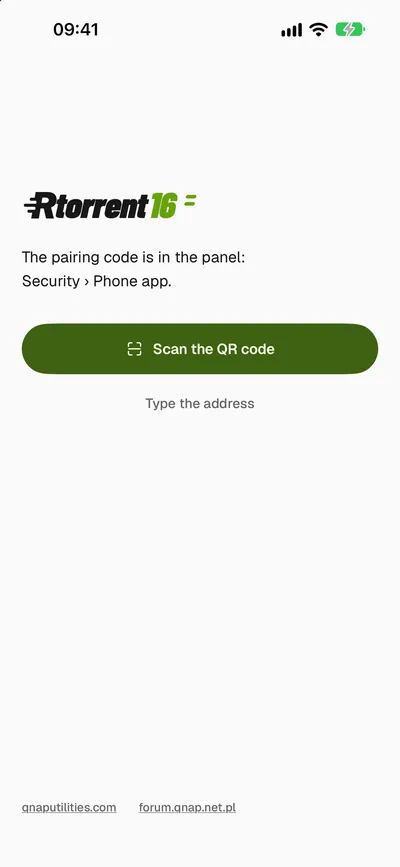
Scan the code with the app
Then tap “Scan the QR code” in the app and point the camera at the code displayed in the panel.
-
Pair your iPhone once
Use the QR code in the panel (Security › Phone app). The app remembers your NAS's certificate and connects securely to the panel at home and away.
- iOS 16 or newer
- Version 1.2.2
- HTTPS
Rtorrent 16 is freeware by Silas, Mariusz Grzybacz. It is an independent project, not made or endorsed by QNAP or Apple. QNAP is a trademark of QNAP Systems, Inc.
Apple, the Apple logo, iPhone and App Store are trademarks of Apple Inc., registered in the U.S. and other countries. The rainbow Apple logo in the site's menu comes from the file Apple_Computer_Logo_rainbow.svg on Wikimedia Commons, where it is marked as public domain because of its simple design. The logo remains a trademark of Apple Inc.
Extras: wallpapers and icons
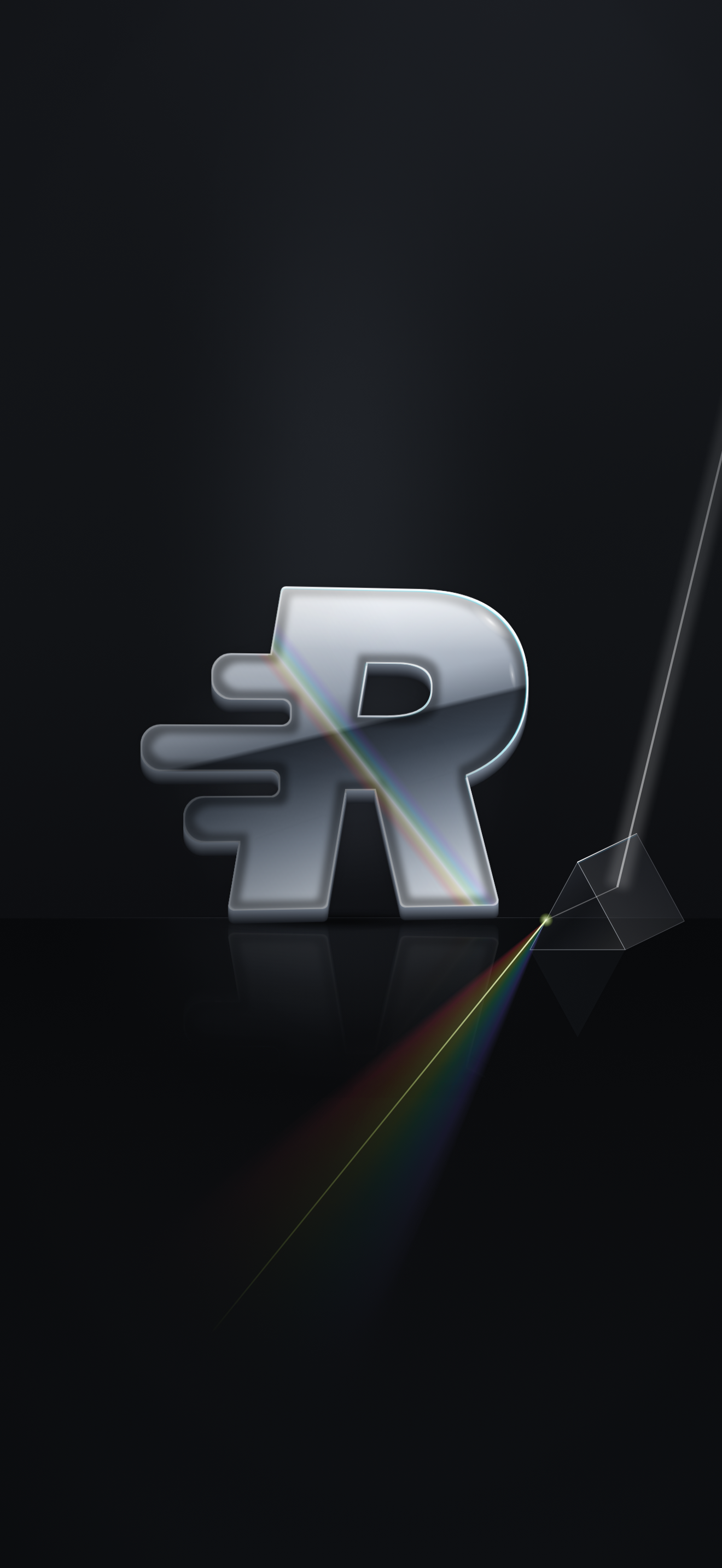
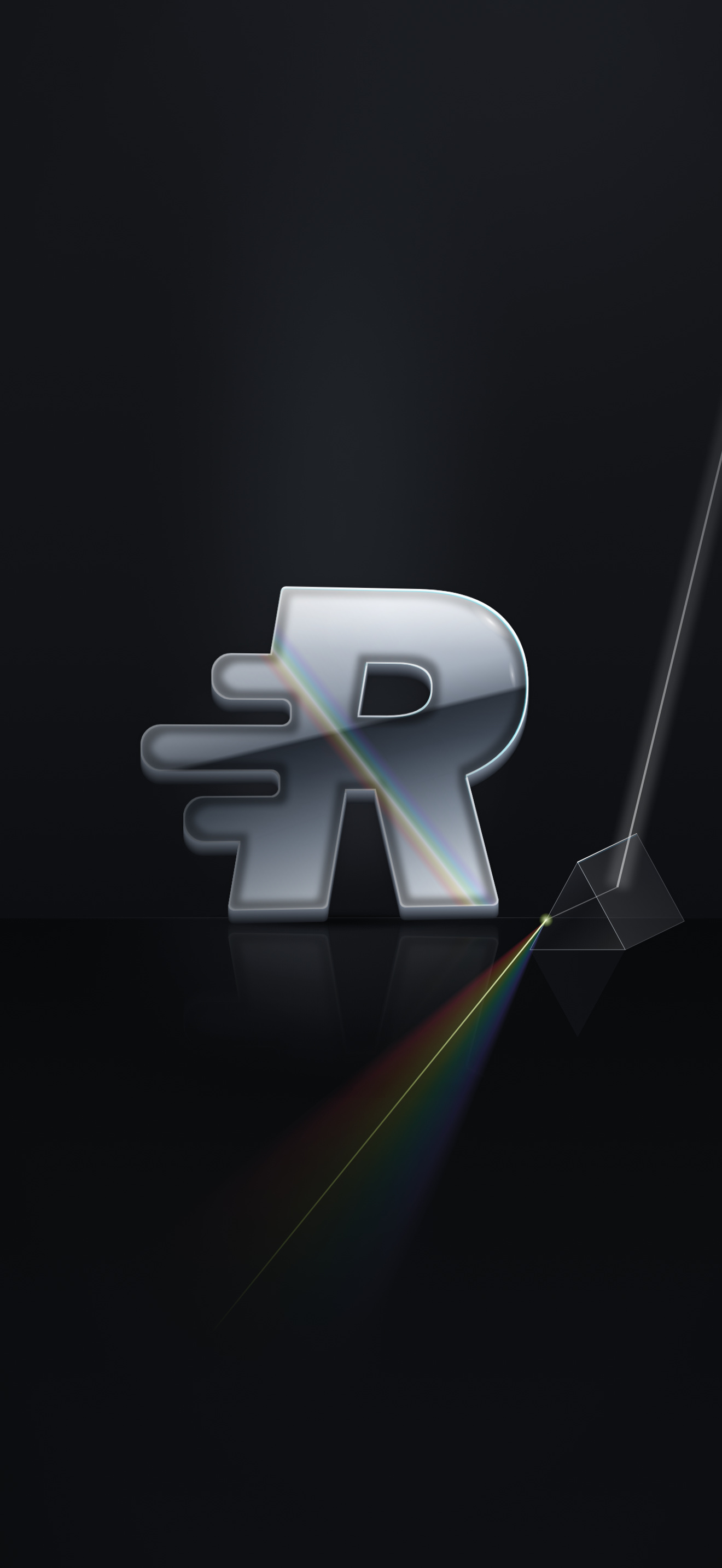
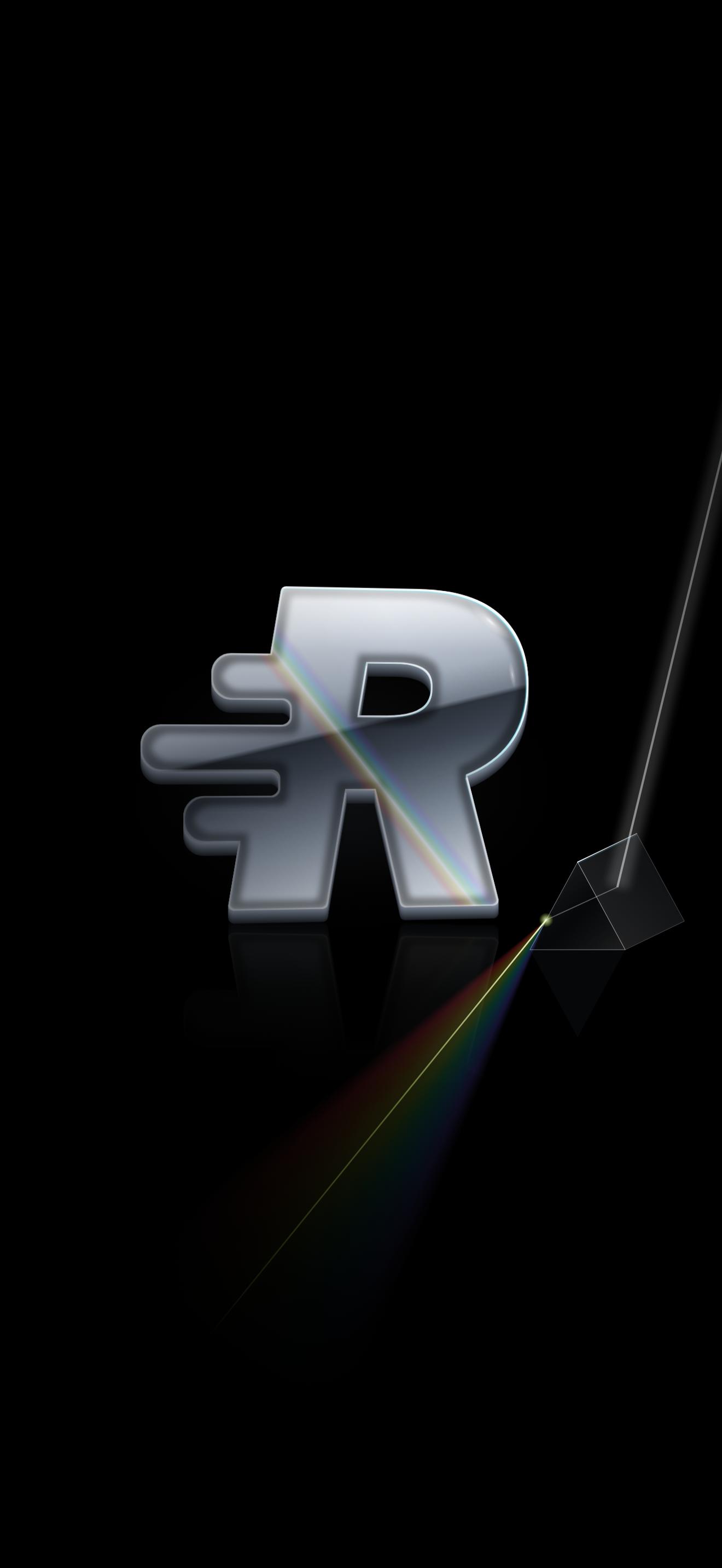
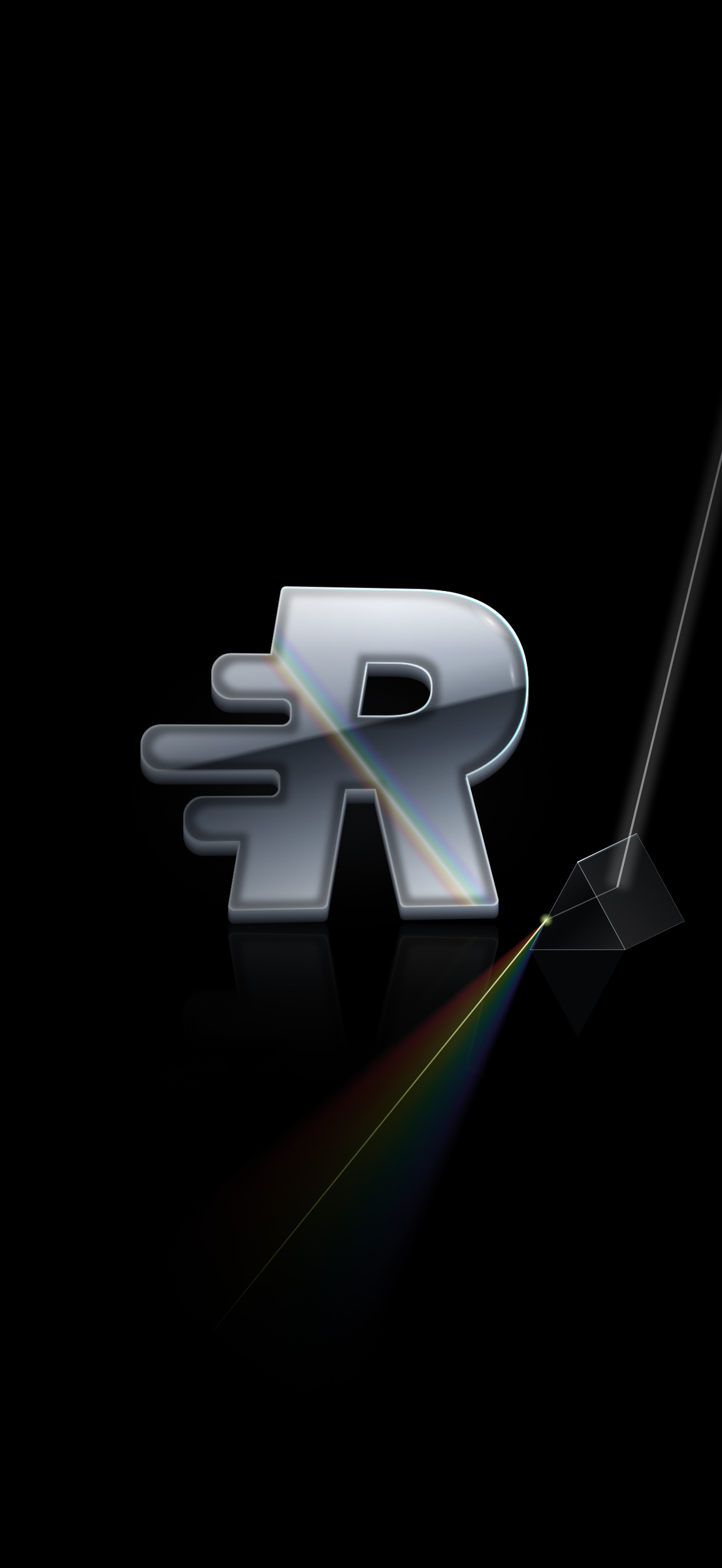
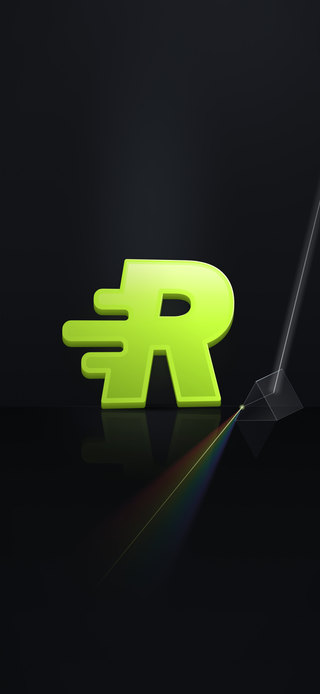
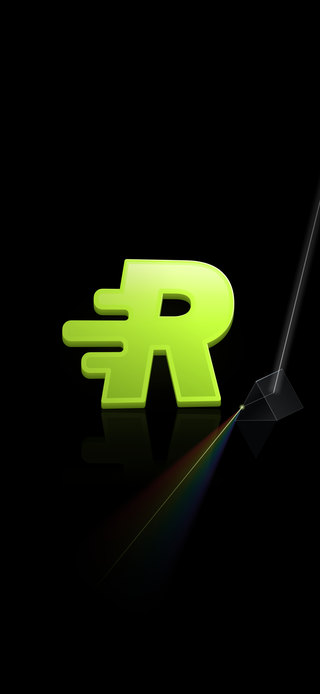
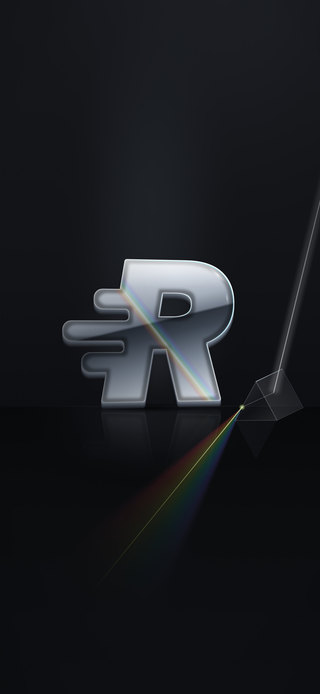
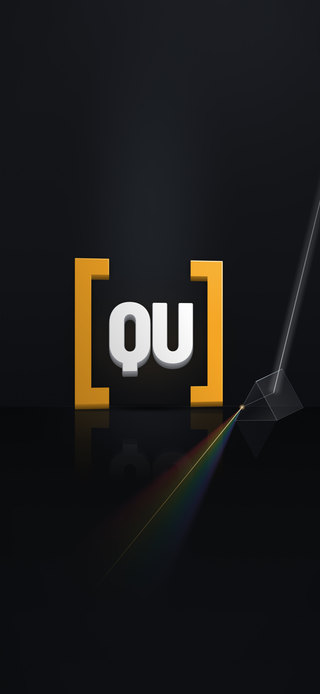
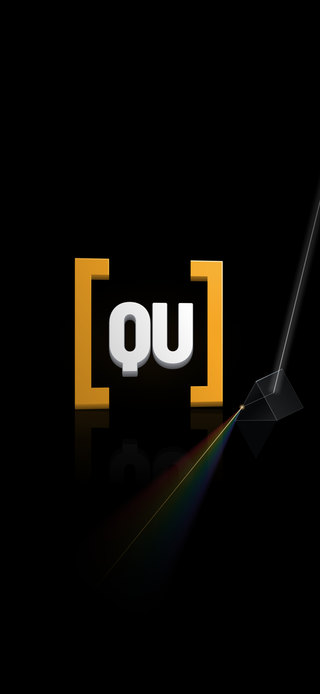
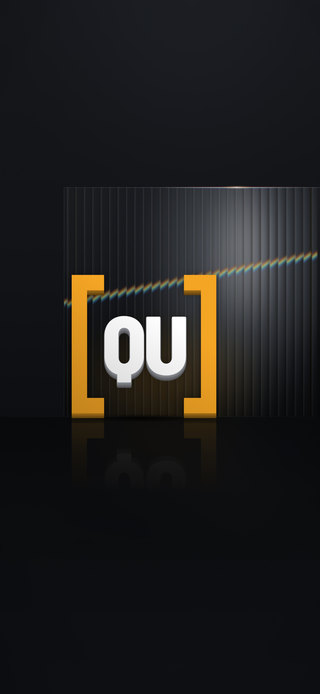
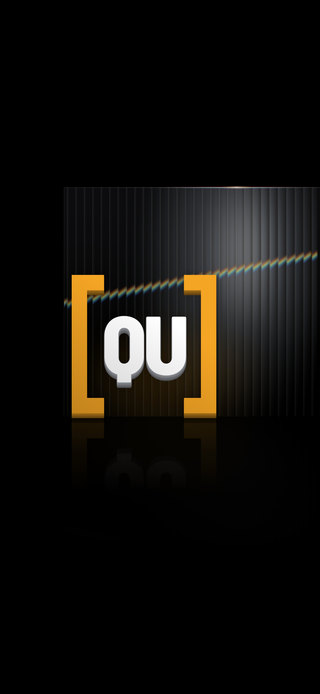
Wallpapers for phones, tablets and computers, plus icons for Rtorrent 16 and NASutils. Choose your device to download each wallpaper at its exact screen resolution, as a lossless PNG or a JPEG.
OLED versions have a pure black background. An OLED screen turns those pixels off.
Size: 1320 × 2868. Choose PNG or JPEG below to download a wallpaper at this resolution.
Rtorrent 16 wallpapers

Rtorrent 16 animated wallpaper
A 15-second loop at 60 frames per second. The last frame leads into the first, so it repeats without a jump.
Phone
- 1290 × 2796H.264 14.0 MBHEVC 10-bit 9.3 MB
- 1440 × 3200H.264 17.7 MBHEVC 10-bit 11.3 MB
Computer
- 3840 × 2160H.264 38.2 MBHEVC 10-bit 23.0 MB
- 2560 × 1440H.264 15.9 MBHEVC 10-bit 10.5 MB
Phone
- 1290 × 2796H.264 10.9 MBHEVC 10-bit 8.8 MB
- 1440 × 3200H.264 13.6 MBHEVC 10-bit 11.1 MB
How to set a video wallpaper
If you are not sure which to pick, take H.264. The HEVC 10-bit file is smaller and keeps 10-bit colour in the dark gradients; on Windows it needs Microsoft's HEVC Video Extensions.
- Windows: Lively Wallpaper (free, Microsoft Store) or Wallpaper Engine (paid, Steam). In Lively, drag the MP4 file into the app window. In Wallpaper Engine, create a wallpaper from the MP4 file in its editor.
- Android: some phones put a short video on the lock screen from their own wallpaper settings. On the others, install a video wallpaper app from Google Play and pick the phone-size MP4 in it.
- iPhone: iOS does not take a video as a wallpaper. From iOS 17 a Live Photo can be the lock screen wallpaper, and it moves for a moment when the phone wakes. A converter app from the App Store turns a few seconds of this video into a Live Photo; iOS plays the motion only for some Live Photos, so yours may stay still. For a still wallpaper, use the images above.
- Mac: macOS cannot use your own MP4 file as the wallpaper. Use the images above.
NASutils wallpapers
Icons
The home-screen icons as PNG files, and the browser tab icon as PNG, ICO and SVG. Maskable icons keep a margin, so Android can cut them to a circle or another shape.
Home screen
- 1024 × 1024PNG 518 kB
- 1024 × 1024 · MaskablePNG 504 kB
- 512 × 512PNG 131 kB
- 512 × 512 · MaskablePNG 127 kB
- 192 × 192PNG 23 kB
- 180 × 180 · iPhone home screenPNG 21 kB
Browser tab