Step-by-step guides for a QNAP NAS
DiagnosticStorageDiag Workbench & Utilities
Step-by-step guides for diagnosing a QNAP NAS with StorageDiag Workbench & Utilities. Each one is checked against the Workbench’s code and shown with its real windows and recorded walkthroughs.
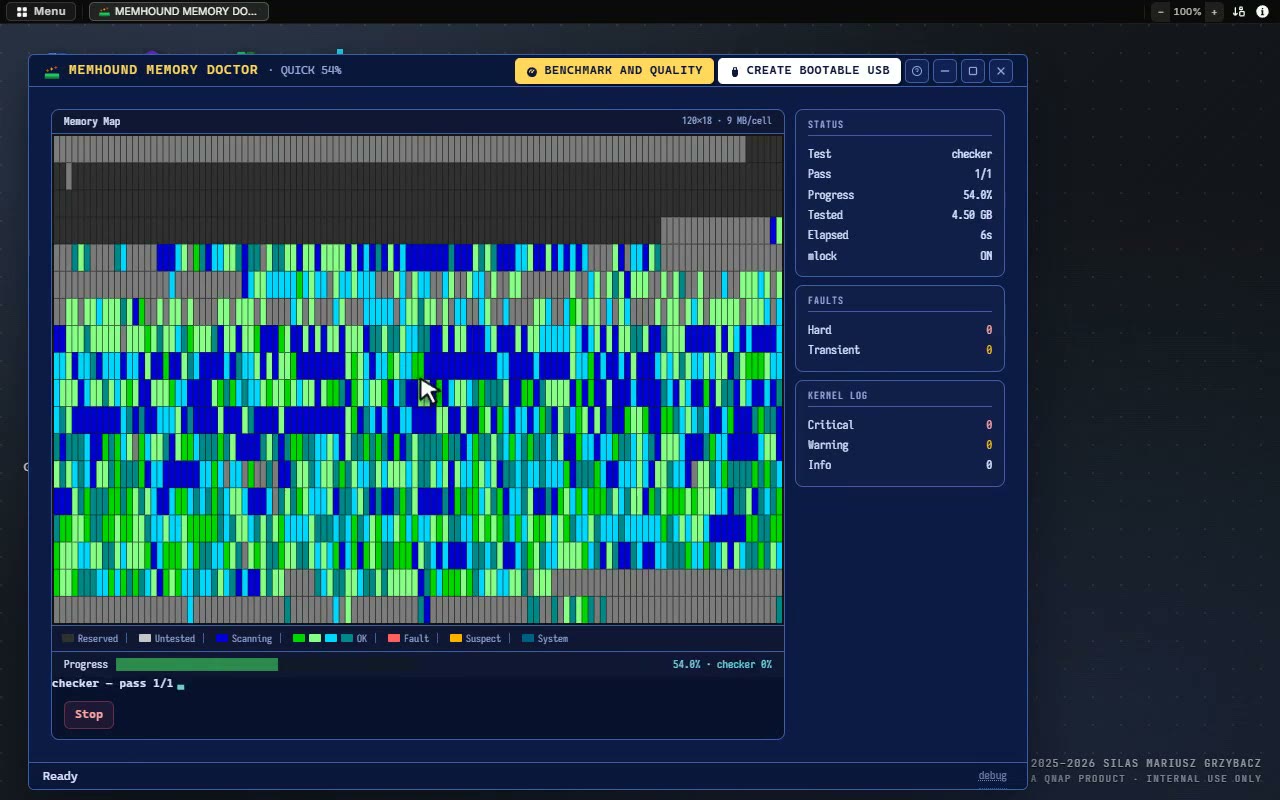 RAM test
How to test RAM in a QNAP NAS with MemHound
Prepare your NAS for memory diagnostics, choose a MemHound mode and read the report without confusing a PASS result with a test of all installed RAM.
Read the RAM guide →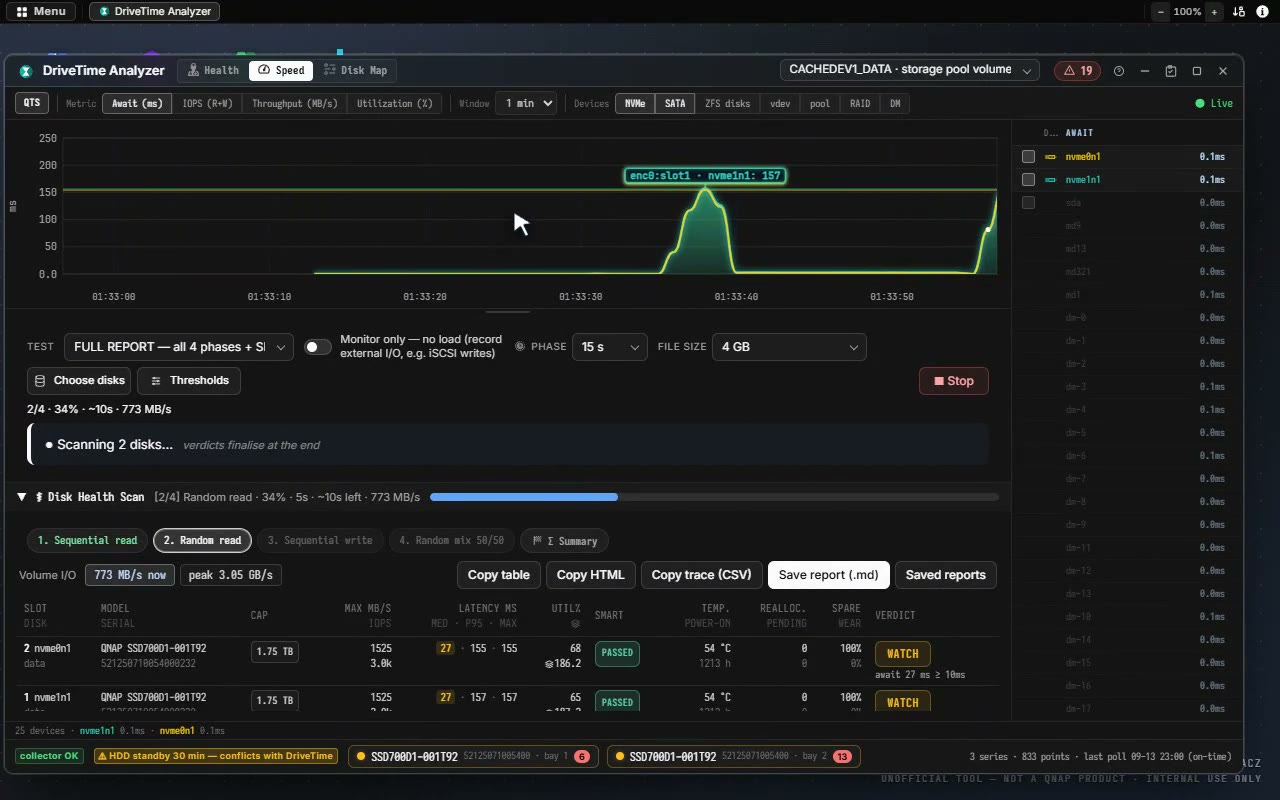 Volume performance test
Troubleshooting NAS performance: slow reads and writes, step by step
Find what limits NAS read and write performance, from memory and drives to SMB, iSCSI and the network. Diagnose the cause with StorageDiag Workbench & Utilities.
Read the performance guide →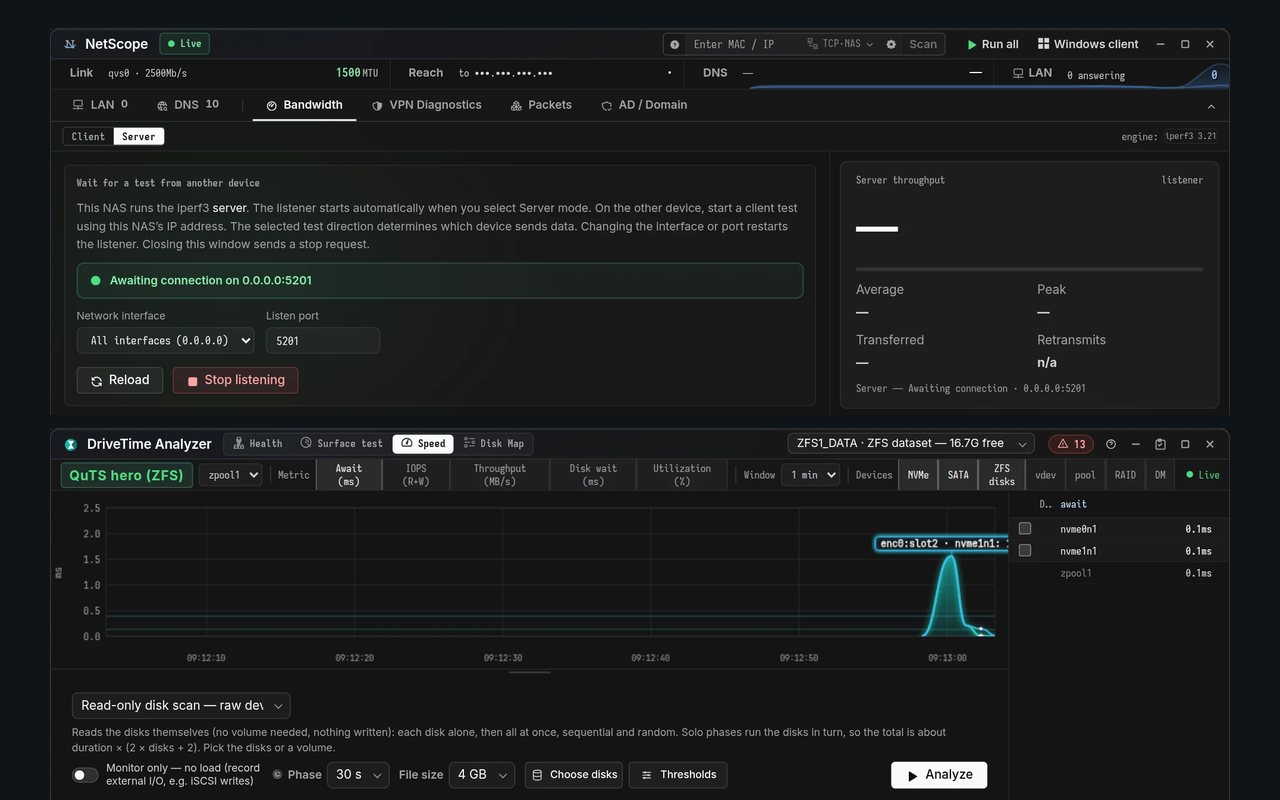 Speed test
QNAP NAS speed test: the network, the disks and the volume
Measure the network with iperf3, the disks without writing to them, and the volume. Compare the results to find the part that slows a file copy.
Read the speed test guide →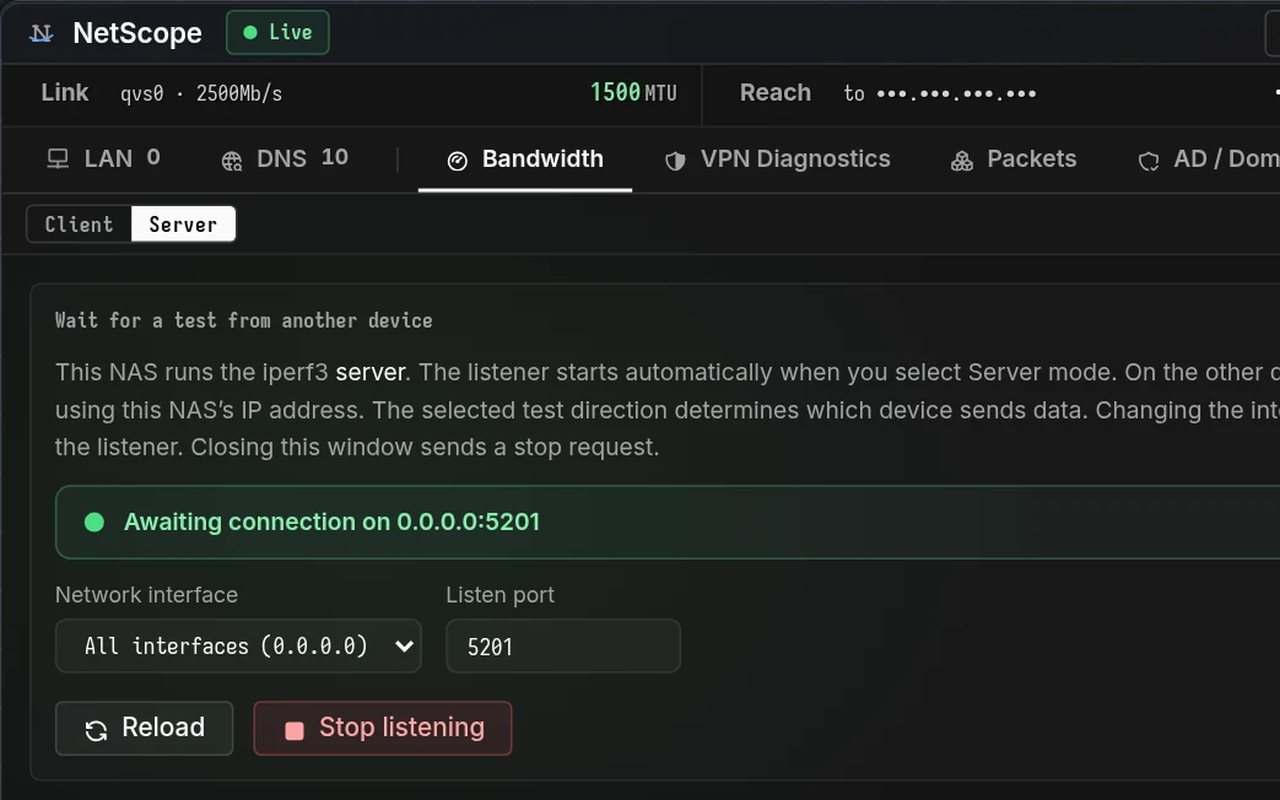 iperf3
 on a QNAP NAS: start the server, test the network
Start the iperf3 server in StorageDiag or over SSH, test from another NAS, Windows or any computer, and read the result.
Read the iperf3 guide →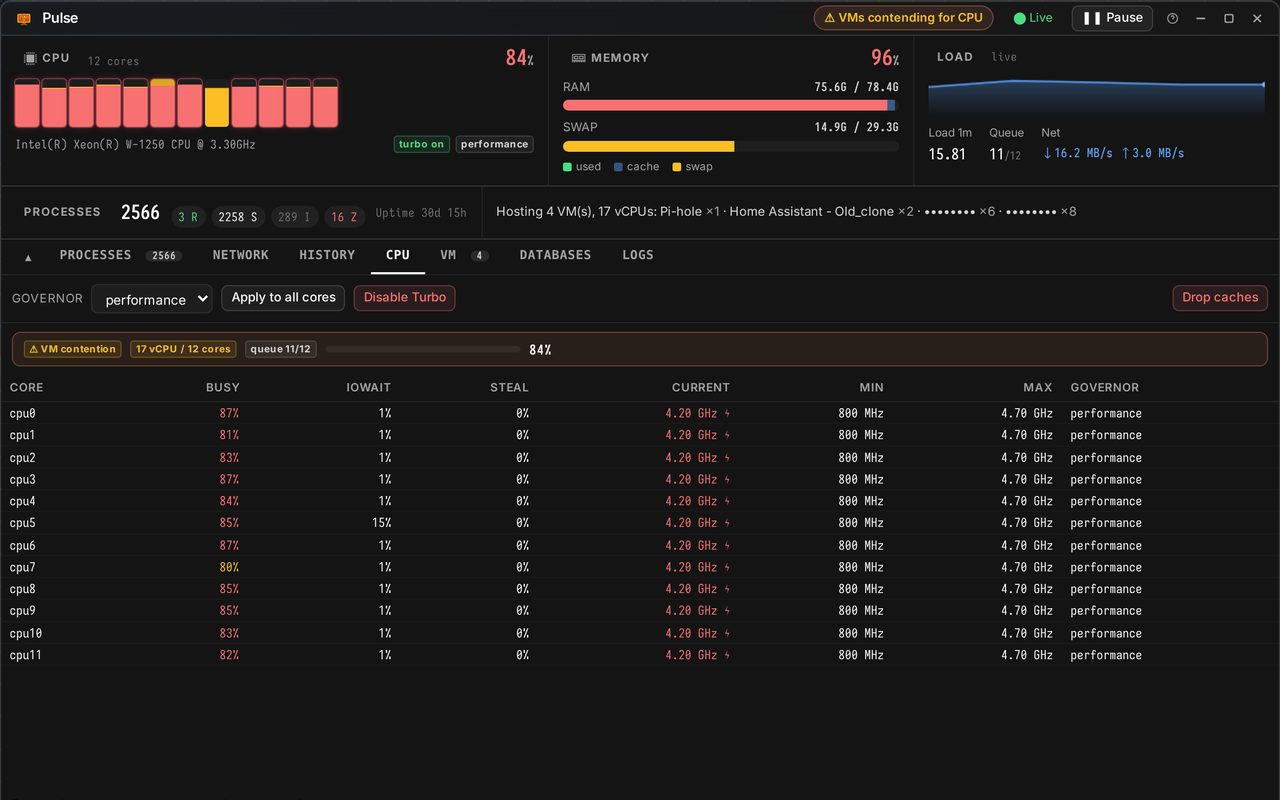 VM performance test
Hardware limits and VM performance on a QNAP NAS
What to expect from the hardware, a baseline found by stopping services, processes in the D state, vCPUs against threads and oversubscription, the VMs in Pulse and BlackBox, heat, and the KVM CPU model.
Read the VM guide →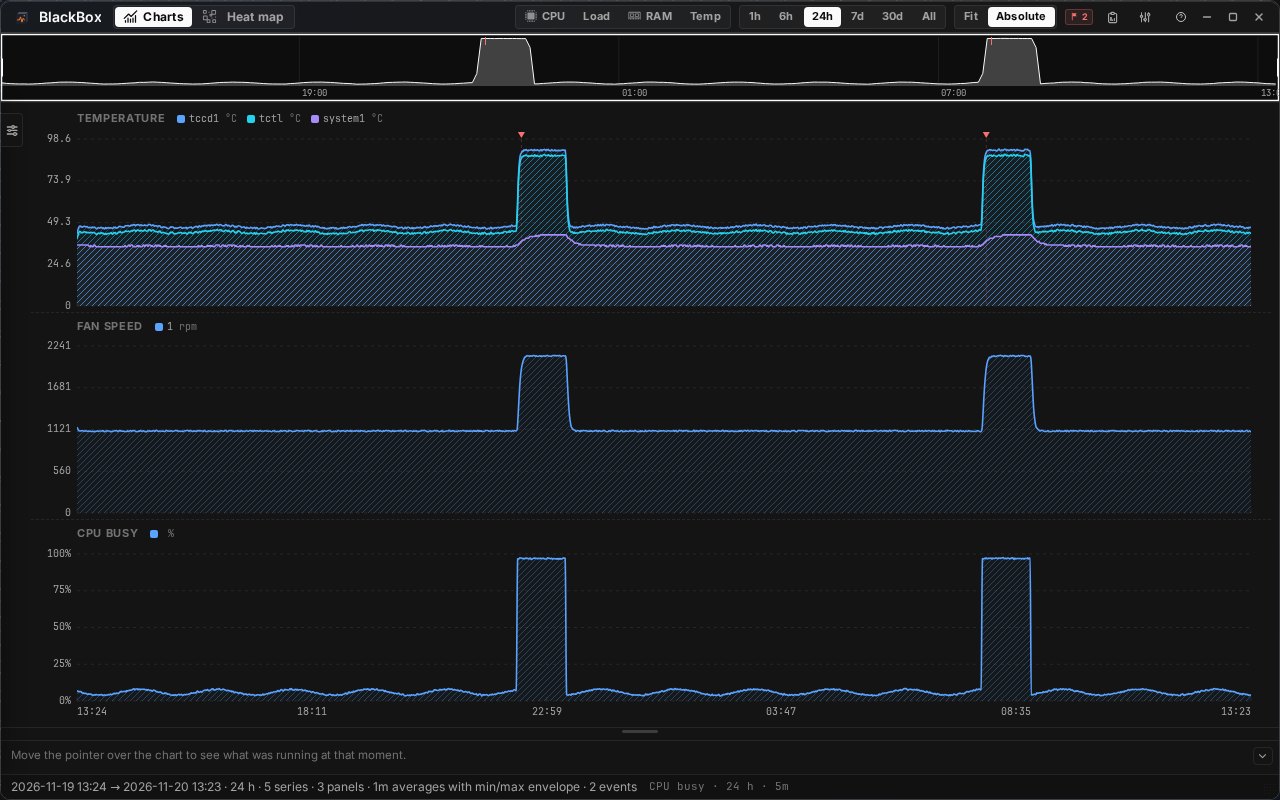 CPU stability test
How to check a QNAP NAS for CPU stability and overheating
CPU Lab loads every core for up to about five minutes while BlackBox records each temperature sensor and fan. How to read throttling, when to clean the cooling and when the NAS needs a repair.
Read the CPU guide →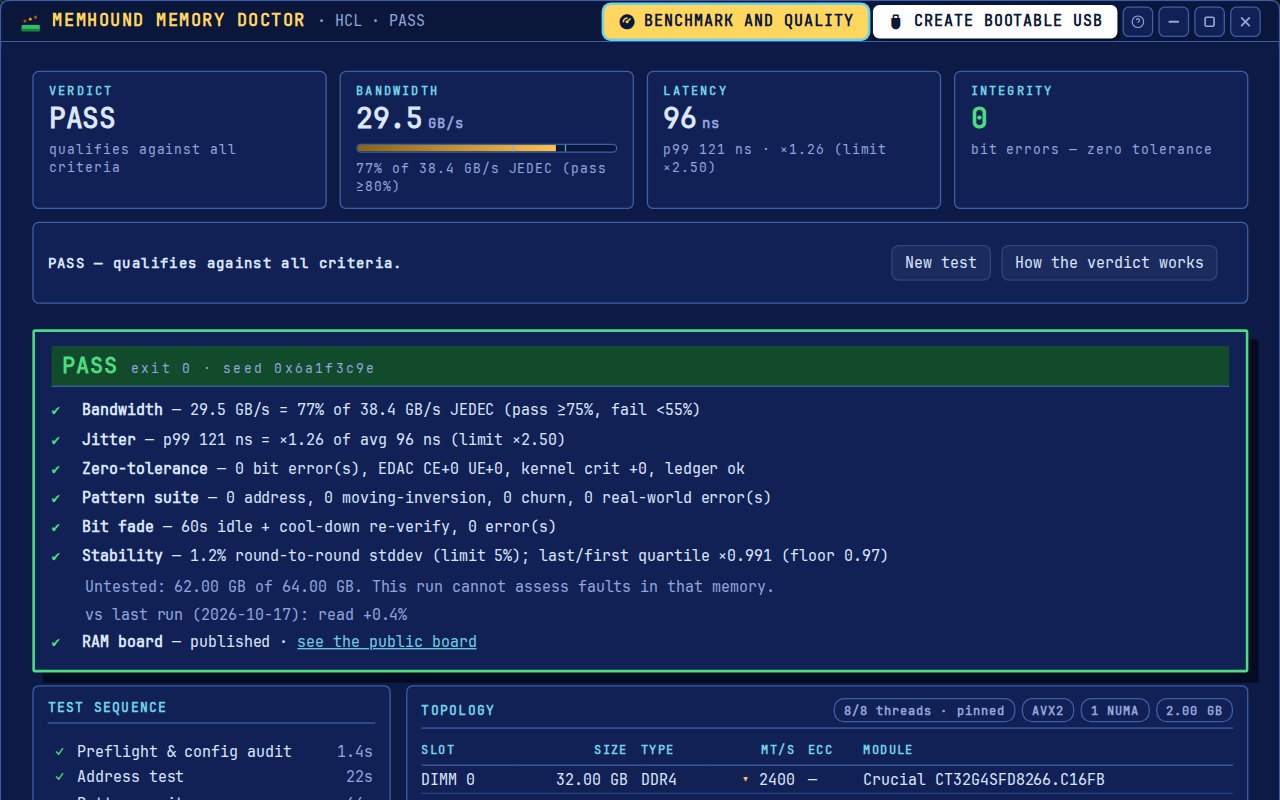 RAM benchmark
How to benchmark the RAM in a QNAP NAS
Benchmark and Quality measures bandwidth against the JEDEC figure, latency and errors under load. Single or dual channel, a slower clock, mixed modules, and how it differs from the RAM test.
Read the RAM benchmark guide →How-to for developersBucket & Code Server IDE
My first Linux build: installing the Bucket & Code development environment on QNAP
Install Bucket & Code Server IDE from App Center, set the admin password, add accounts, clone a Git repository, open the editor and build a first app.
Your own App Center: ship your QPKG packages from Git to every NAS
Build a QPKG at every Git push, publish it into your NAS’s own App Center repository and install it on your other NAS units, over the internet too.
Set up a Git server on a QNAP NAS
Run a Git server on your QNAP NAS: turn on Forgejo in Bucket & Code, make or mirror a repository, clone and push over HTTPS or SSH, and back it up.
SVN repositories and versioned buckets on your NAS
Create SVN repositories and versioned WebDAV buckets in Bucket & Code Server IDE, set permissions per account, connect clients, restore older versions.
Backups in Bucket & Code Server IDE
Back up Bucket & Code Server IDE: what a backup holds, the schedule, local, rsync and rclone targets, encryption with a key shown once, and restores.
Mirror the author's Git, run the tests, build a QPKG: CI on your NAS
Mirror an author's repository in Forgejo on your NAS, run its tests and build a QPKG of each release on the NAS's own runner, daily or by hand.
When an App Builder build fails: read the log, find the cause, build again
A real failed App Builder build: find the recipe that failed, read its log, trace the error to its cause, get the fixed recipe and build again.
Your first own recipe: a program the library lacks, as a QTS package
Write an App Builder recipe of your own in a Bucket & Code project, check it in the editor, build it for x86_64 and ARM, and pack it as a QTS package.
A custom app from your own recipes and the library's
Make an App Builder app that takes a project's own recipes beside the library's, build it, activate it on the NAS and export it as a QTS package.
Build Transmission from scratch on your NAS
Watch Bucket & Code Server IDE make the QTS package Transmission from scratch, and follow each step from the first-run setup to the arm_64 package.
A website from Git: build at every push, publish to your NAS's web server
Keep a static website in Git on your NAS: a link check at every push, and one button that publishes it to QTS's Web Server and reads it back.
Run your package's service in a jail: its own account, no root, only the network you allow
Confine a QPKG package's service in a jail: its own account, no root, a seccomp filter, only loopback inside, ports relayed. Built and checked.
Compilers, runtimes and build environments on your NAS
Install language runtimes and build environments on a QNAP NAS, compile a program in the Ubuntu 24.04 builder and check it with the ELF inspector.
Build a kernel module for your NAS: the CH341 USB-serial driver
Build the CH341 USB-serial driver for the kernel your QNAP NAS runs, check it against that kernel, and load it: the kernel workshop step by step.
Claude Code, Gemini CLI and Codex CLI in the editor on your NAS
Install Claude Code, Gemini CLI or Codex CLI for your account on a QNAP NAS, run it in the editor's terminal with the project's skill, end it when idle.
Accounts, two-factor authentication and API tokens
Turn on two-factor authentication, give git and WebDAV clients their own passwords, make API tokens for scripts, and get back in after a lockout.
Scheduled jobs on your NAS: cron with a log, and notices when something fails
Schedule commands on a QNAP NAS with Bucket & Code Server IDE: cron with a preview of the next runs, a log of every run, and a notice when one fails.
Website, DNS and mailWebPortico · TurboDNS · MailServerPro
Your domain on your NAS: website, DNS and mail from the first day
Put a website, its domain and its mail on a QNAP NAS from the first day: WebPortico, TurboDNS's hosting template and MailServerPro, step by step.
Three apps and one QNAP. Building our own corner of the network
Your own news reader, start page and file sharing. A complete, step-by-step WebPortico guide.
Buy a domain and connect it to WebPortico
Put a site on your QNAP NAS under its own domain. WebPortico finds its DNS provider, then writes the records or tells you what to enter at your provider.
Bye-bye Plesk, hello WebPortico on QNAP
Move your sites, databases, mail and DNS from a Plesk server to a QNAP NAS with WebPortico’s import: the copy, the switch and the way back.
Sites behind Cloudflare: CrowdSec and the web application firewall
Which address WebPortico sees behind Cloudflare, why a CrowdSec block never hits Cloudflare, and the order to turn on the firewall and CrowdSec on a forum.
Wazuh on a QNAP NAS with WebPortico: set up, test, unblock
Wazuh on a QNAP NAS reads WebPortico's sign-ins and router logs and blocks attacking addresses for 24 hours. Install it, test it and unblock.
DownloadersRtorrent 16
Radarr, Sonarr, Prowlarr and Seerr with Rtorrent 16
Seerr takes the request, Radarr and Sonarr add the torrent to Rtorrent 16 with a label, Rtorrent 16 seeds it and Movie Agent puts it in your library.
Download Station is withdrawn: what replaces it on a QNAP NAS
QNAP removes Download Station from App Center after 31 October 2026; it stops working on QTS 6.1. What takes over torrents, links and RSS, step by step.