Send a torrent from your phone
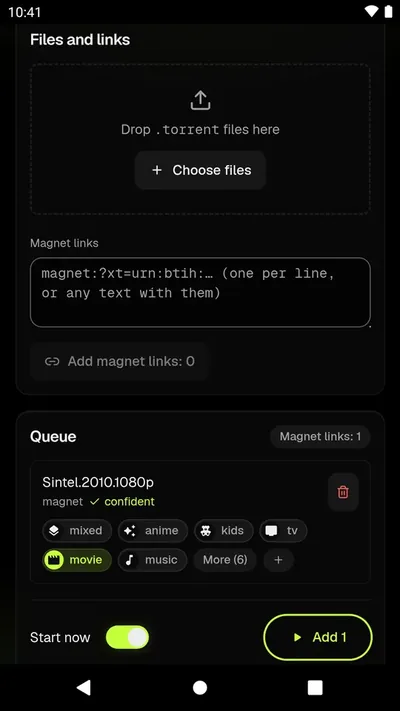
Tap a .torrent file or a magnet link. The panel's Add page opens with the category your NAS picked.
Rtorrent 16›Android
 Rtorrent 16
Your NAS's Rtorrent 16 panel on your phone, with support for .torrent files and magnet links.
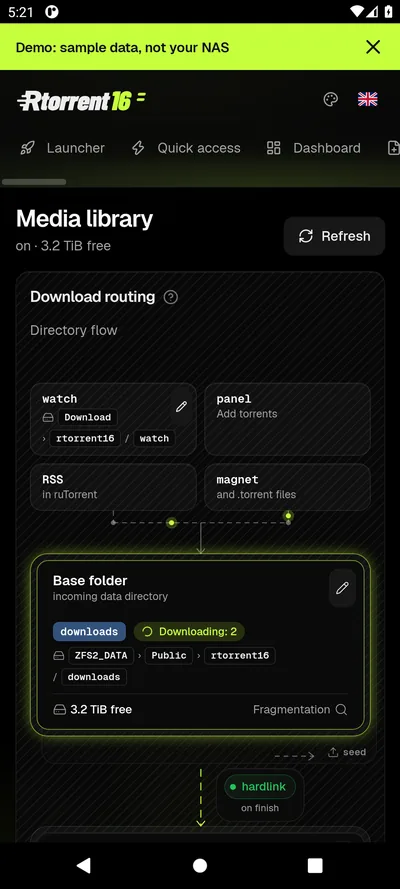
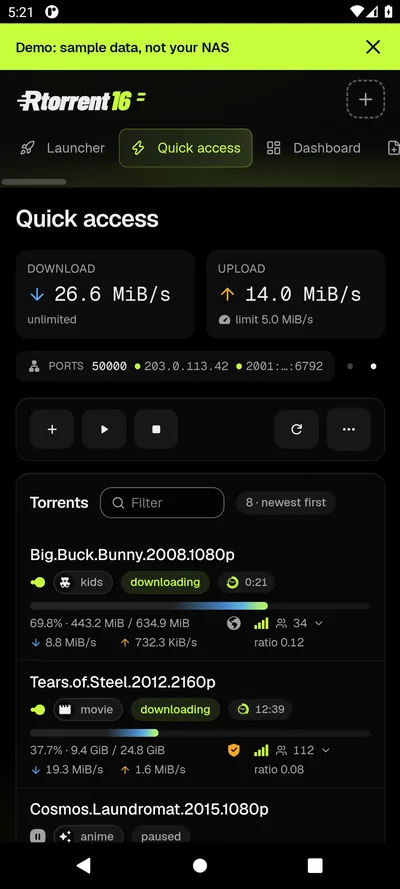
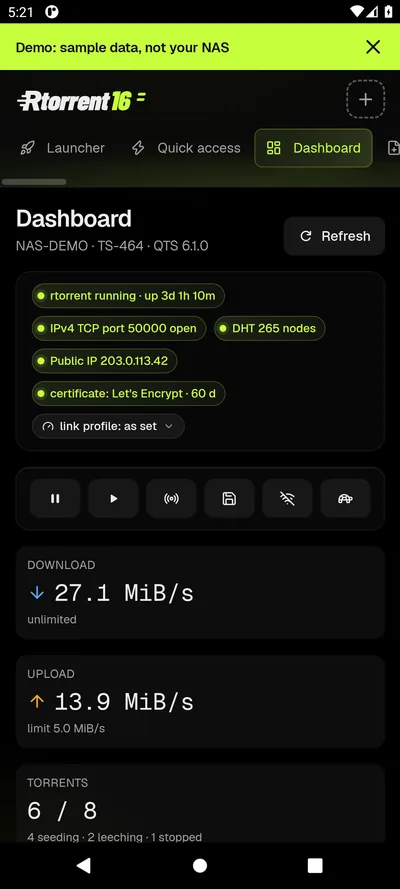
Rtorrent 16 for Android opens your NAS's Rtorrent 16 panel on your phone: Quick access, Dashboard, Search and all the other pages. You are signed in with the panel account used to pair the phone.
Tap a .torrent file or a magnet link. The panel's Add page opens with the category your NAS picked.
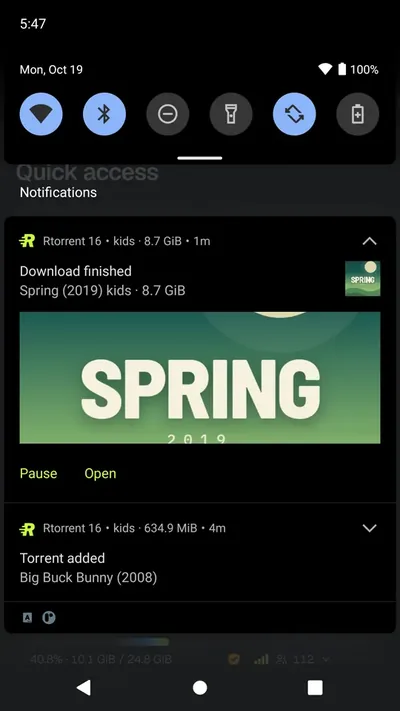
When the NAS has a poster for a download, the notification shows it, with Pause and Open.
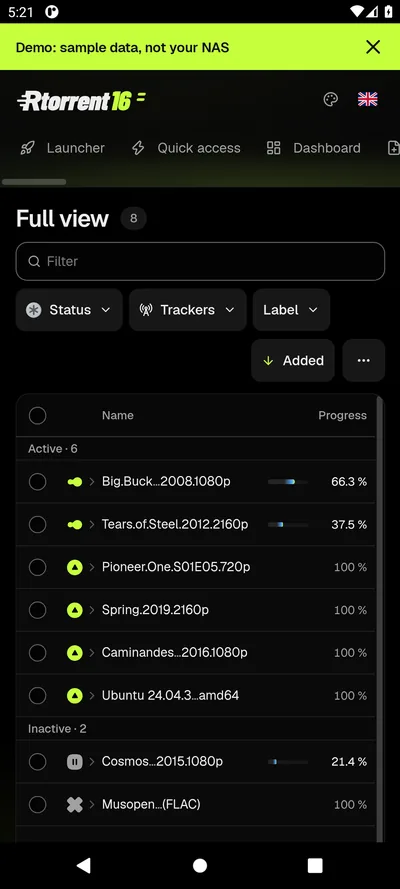
Quick access, Dashboard, Full view, Media library and every other page, signed in with your panel account.
The demo opens every page of the panel with 23 real torrents that anyone may share. Nothing is downloaded.
If you already have the APK from our site, the Google Play version will install as an update. Both versions have the same signature, and your phone will stay paired with your NAS.
https://pub.nasutils.net/fdroid/repo38A4 C5C5 8C34 5E23 AF70 1FB7 5B22 82B6 7D74 FD50 1B66 7A8F 168F 478D 6E15 0F2AScan this code in F-Droid to add the repository.
The F-Droid version has the same signature as the APK from our site and the Google Play version. Each one installs as an update of the others, and your phone stays paired with your NAS.
In the Rtorrent 16 panel, go to:
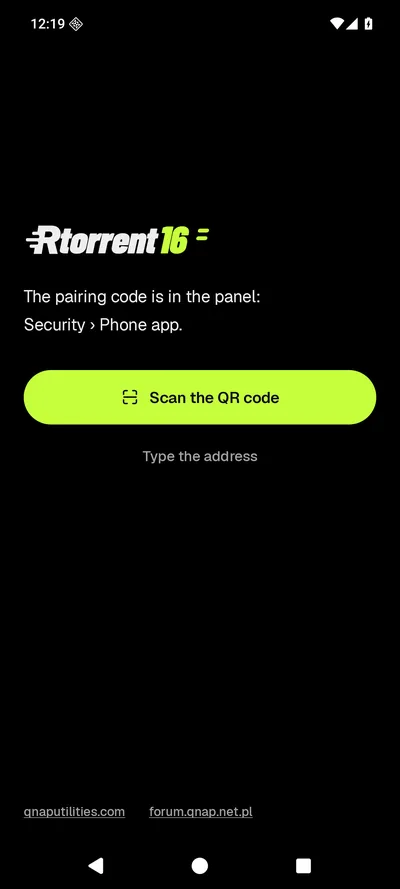
Then tap “Scan the QR code” in the app and point the camera at the code displayed in the panel.
Scan the QR code on the panel's Phone app page, or enter the address and code. The app remembers your NAS's certificate, so the panel's self-signed certificate works at home and away, wherever the NAS is reachable at that address.
The app requires no separate account and has no ads, analytics or crash reporting. Besides your NAS, it connects only to our notification relay and Google's Firebase Cloud Messaging. Your NAS encrypts each notification for your phone, so neither the relay nor Firebase Cloud Messaging can read it.
Rtorrent 16 is freeware by Silas, Mariusz Grzybacz. It is an independent project, not made or endorsed by QNAP or Google. QNAP is a trademark of QNAP Systems, Inc.
Android, Google Play and the Google Play logo are trademarks of Google LLC. The Android robot in the site's menu is reproduced or modified from work created and shared by Google and used according to the terms of the Creative Commons 3.0 Attribution License.
Wallpapers for phones, tablets and computers, plus icons for Rtorrent 16 and NASutils. Choose your device to download each wallpaper at its exact screen resolution, as a lossless PNG or a JPEG.
OLED versions have a pure black background. An OLED screen turns those pixels off.
Size: 1320 × 2868. Choose PNG or JPEG below to download a wallpaper at this resolution.
A 15-second loop at 60 frames per second. The last frame leads into the first, so it repeats without a jump.
Phone
Computer
Phone
If you are not sure which to pick, take H.264. The HEVC 10-bit file is smaller and keeps 10-bit colour in the dark gradients; on Windows it needs Microsoft's HEVC Video Extensions.
The home-screen icons as PNG files, and the browser tab icon as PNG, ICO and SVG. Maskable icons keep a margin, so Android can cut them to a circle or another shape.
Home screen
Browser tab